
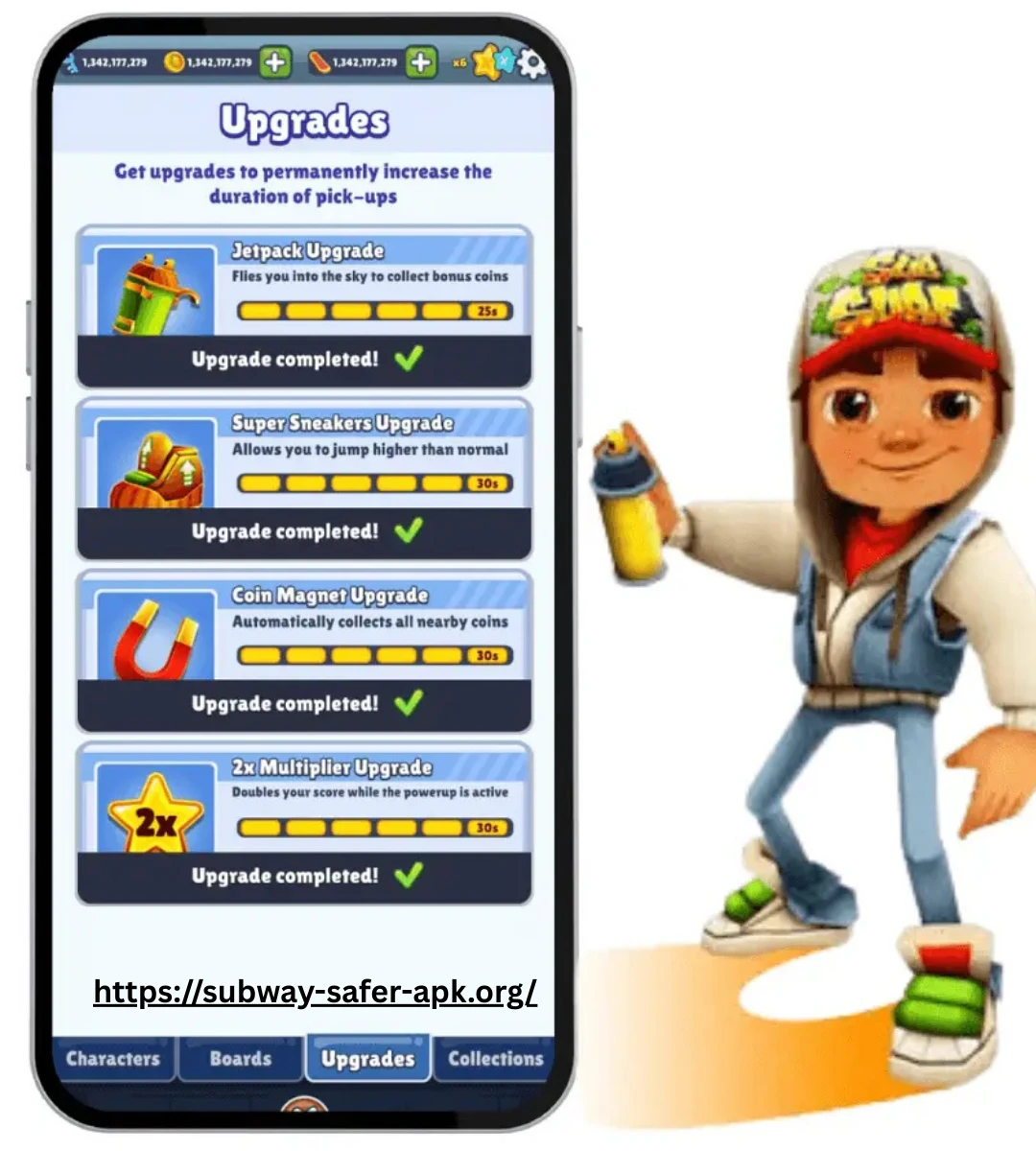
Subway Surfers Updates and Old Versions
Subway Surfers has received updates continuously since its original release, gradually adding new World Tour destinations, characters, Hoverboards, outfits, missions, seasonal content, events, and gameplay improvements. Because the game has changed significantly over time, an older version can look and feel quite different from the current release.
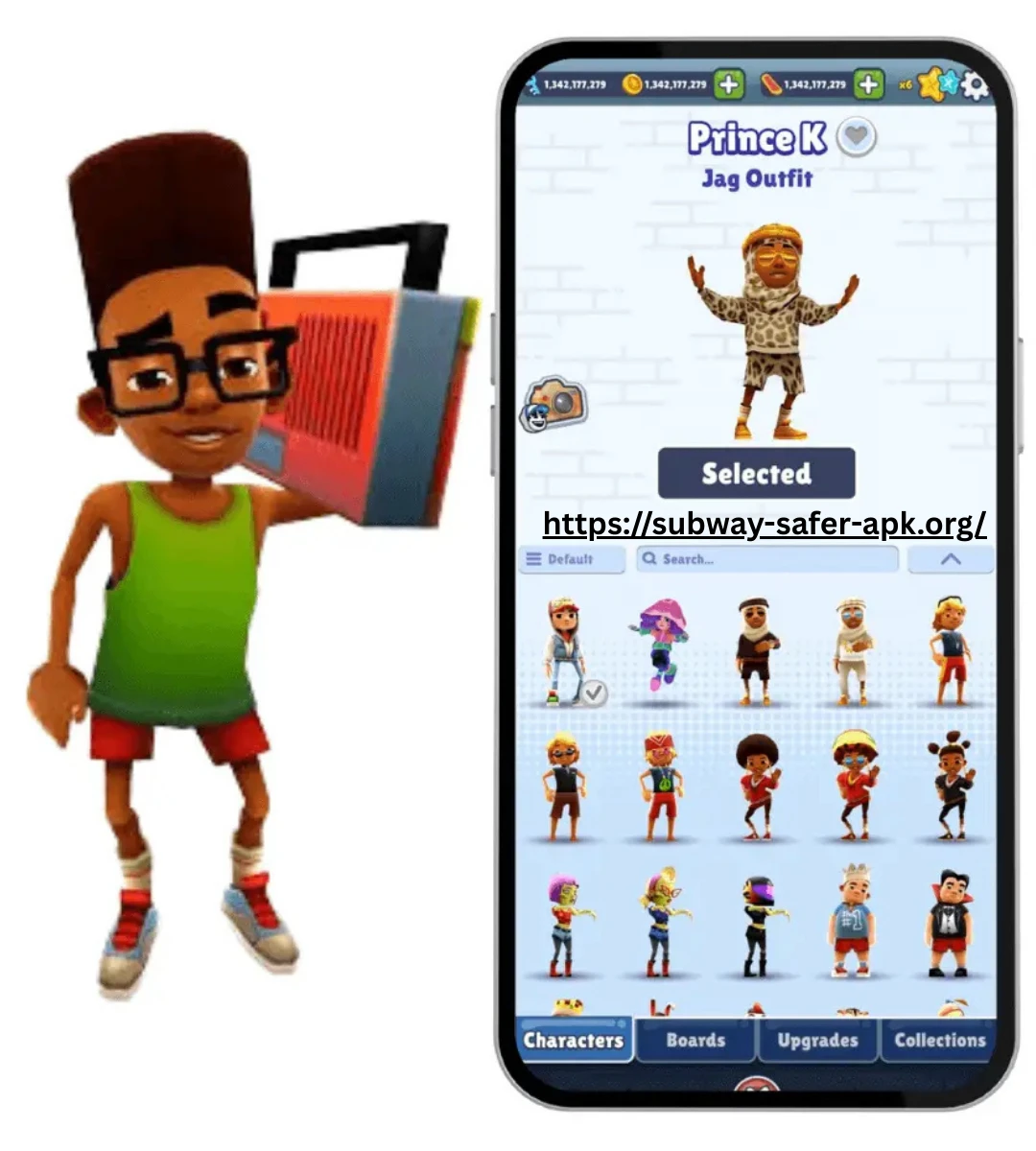
Old versions are mainly relevant for historical research, nostalgia, compatibility questions, or understanding how the game evolved. Version archives can show different release numbers, dates, file formats, and device requirements, while the version history helps explain what changed between major periods of the game.
It is also important to distinguish an archived version from the current official release. An older build may no longer receive updates or support and may have different compatibility requirements. For that reason, version numbers and historical features should always be considered in the context of the specific release being discussed.
How to Check the Latest Subway Surfers Update
- Check Google Play or the App Store: Open the official Subway Surfers listing for your device and look for the available update. The Google Play listing currently identifies the app as developed by SYBO Games and shows its latest update information.
- Check the version number: Compare the installed version on your device with the version shown in the official store listing. This helps confirm if you are running an older build.
- Read the “What’s New” section: Official store listings provide recent update notes, which can include new World Tour destinations, characters, outfits, events, and other content.
- Check SYBO Support: The official Subway Surfers Help Center has a “What’s new” section for current game changes and announcements.
- Use the official store for installation: For the normal supported version, use Google Play, the iOS App Store, or another official distribution channel rather than relying on an unknown APK website. SYBO states that the official version is free and provides links to its official stores.
- Check the update date: The store page can show when the app was last updated. This is useful when determining whether a newer release is available.
- Check your device’s pending updates: If automatic updates are disabled, the store may show an Update button even though the game itself continues to work.
- Compare version history when needed: If you are researching an older release rather than simply looking for the current update, third-party archives and historical version lists can help identify previous builds.
The official store listing is the best starting point for checking the current supported version, while the game’s official support pages provide additional information about changes. As an example of how frequently the game can change, recent official version notes include new destinations, characters, outfits, seasonal activities, and challenges.
Version History and Content Changes
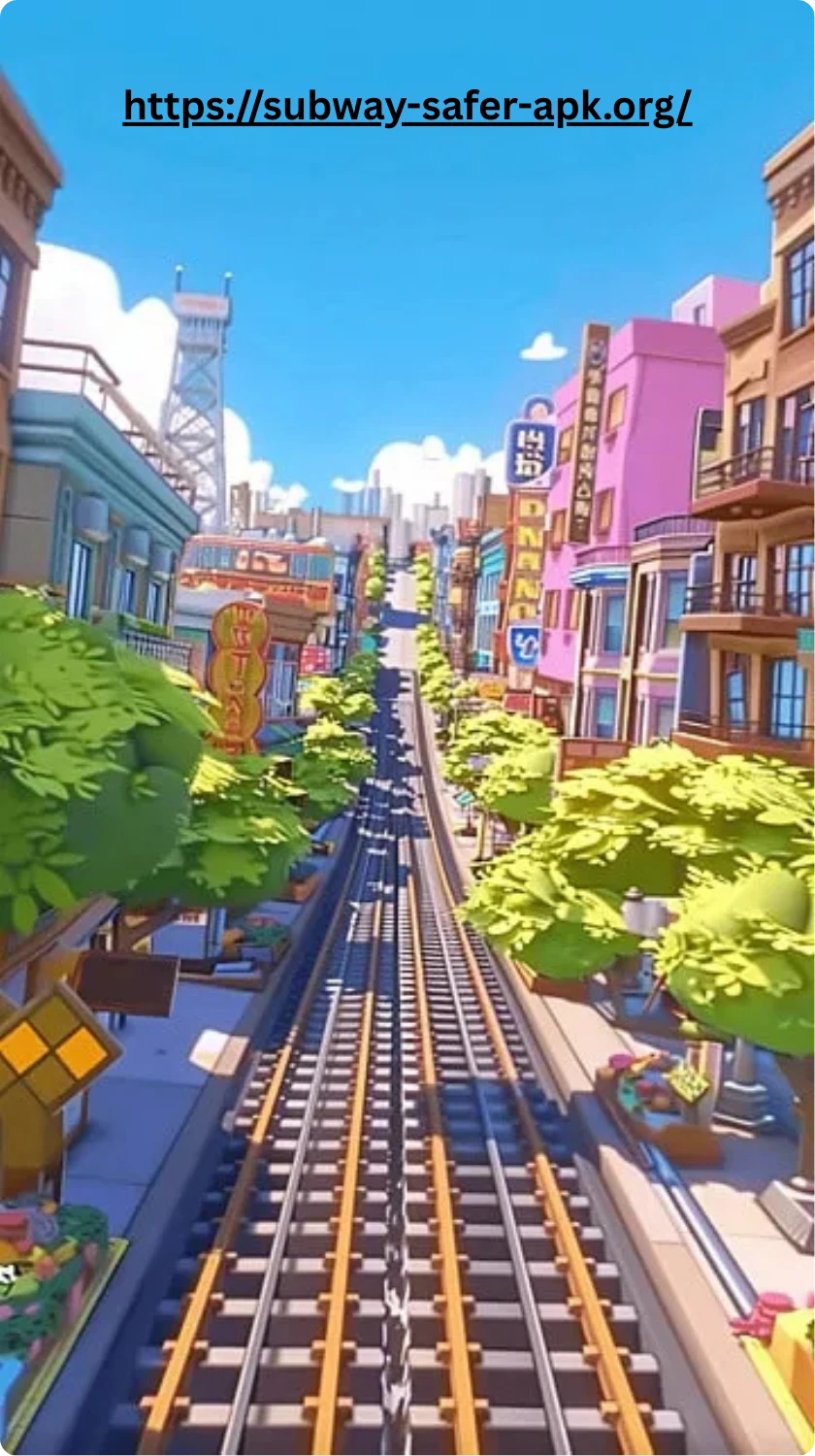
Subway Surfers has changed considerably through its version history. Early updates focused on adding characters, missions, daily rewards, improved Mystery Boxes, seasonal themes, and performance improvements. Later releases expanded the game with the World Tour, new Hoverboards, outfits, events, challenges, Season Hunts, and other progression systems.
| Version / Period | Major Content Change | Why It Matters |
|---|---|---|
| 2012 Early Releases | New characters, missions, daily rewards, Super Mystery Boxes, graphics and performance improvements | Established the core progression and collection systems |
| 1.4.0 Halloween 2012 | Halloween theme, Zombie Jake, new missions and rewards | Introduced major seasonal content |
| 1.5.0 Winter 2012 | Winter theme, Elf Tricky, new Boards and improved graphics | Expanded seasonal content and Board features |
| 1.6.0 January 2013 | World Tour begins with New York, Tony and new Boards | Introduced the rotating World Tour structure |
| 1.7.31.10.0 2013 | Rio, Rome, Sydney and Tokyo editions, new characters, Boards, Weekly Hunt and Power-Up upgrades | Established recurring destination-based updates |
| 1.11.0,1.16.0 , 2013 | Miami, Paris, Beijing, Moscow, New Orleans and London editions with new outfits and seasonal content | Expanded the character, outfit and World Tour systems |
| 2014,2018 | More destinations, characters, Awards, Board Upgrades and recurring World Tour content | Added greater depth to long term progression |
| 2.0.3,2.2.0 , 2020 | Marrakesh, Amsterdam, Zurich, new characters, Boards, Season Hunt and UI changes | Modernized progression and introduced newer content structures |
| 2.3.0 , 2021 | New cosmic Hoverboards including Endeavour, Discovery and Secret Society | Expanded the Board collection |
| 2.12.0 ,2.13.0 , 2021 | Lunar New Year content, Tokens, characters, Boards and Season Hunt progression | Strengthened event-based collection |
| 2.34.0,2.39.0 , 2022 | Super Runner Challenges, World Tour Events, Season Hunts and new themed characters and Boards | Added more structured challenges and seasonal progression |
| 3.0.0,3.2.0 , 2022 | Technical changes, event updates, Mumbai and Mexico themes, Season Quests and updated Power-Ups | Continued the transition toward modern event systems |
| 3.17.0,3.18.0 , 2023,2026 archive entries | Tokyo and Hawaii themes, Collections, Season Challenges, new characters, Boards and Outfits | Expanded collection-based and event focused content |
| 3.60.0 ,2026 | Rome World Tour, new characters, festive content and sports themed events | Shows that modern updates continue combining locations with multiple activities |
| The exact version history is much longer than this overview, and not every minor release introduced a major feature. Some updates were primarily bug fixes, optimizations, menu changes, or technical improvements, while larger releases introduced new locations, characters, Boards, outfits, challenges, and progression systems. | One of the most important milestones was version 1.6.0 in January 2013, when the World Tour officially began with New York. From that point, updates increasingly used rotating destinations as a framework for introducing new characters, Boards, collectibles, and themed activities. | This history explains why an old Subway Surfers version can feel very different from a current release. Someone playing an early 2012 build would not have access to the extensive World Tour, outfit, event, and collection systems that were introduced and expanded through later updates. |
New Characters, Boards, and Events
New Subway Surfers updates often combine several types of content rather than introducing only one feature at a time. Depending on the release, an update may add or reintroduce a character, introduce a new Hoverboard, launch a themed event, or expand an existing progression system.
- New Characters: Updates can introduce new surfers connected to a World Tour destination, seasonal theme, special event, or other limited time content.
- Returning Characters: Older characters may become available again through later editions or events, giving players another opportunity to collect them.
- New Hoverboards: Boards can be added alongside new locations or themes, expanding the collection and sometimes introducing different board abilities.
- Board Re releases: Existing Boards can return in later content rather than remaining exclusive to their original release.
- World Tour Events: Location based updates can combine a new destination with characters, Boards, collectibles, and other themed content.
- Season Hunts: Seasonal progression can give players specific collection or reward goals during an update period.
- Challenges and Missions: Updates can introduce temporary objectives that encourage players to complete particular tasks.
- Seasonal Events: Halloween, winter, holiday, and other themed periods can bring special visual content and limited time activities.
- Collections and Rewards: Later updates have expanded collection-focused systems, giving players additional reasons to unlock characters, Boards, and cosmetic content.
- Bug Fixes and Improvements: Not every update is focused on new content. Some releases primarily improve performance, fix problems, or adjust existing features.
The combination of characters, Boards, and events is one reason Subway Surfers has been able to keep its content evolving without changing the basic endless runner formula. An update can refresh the setting and progression goals while keeping the familiar running, jumping, rolling, and obstacle avoidance mechanics.
Classic, Original, and Old Versions
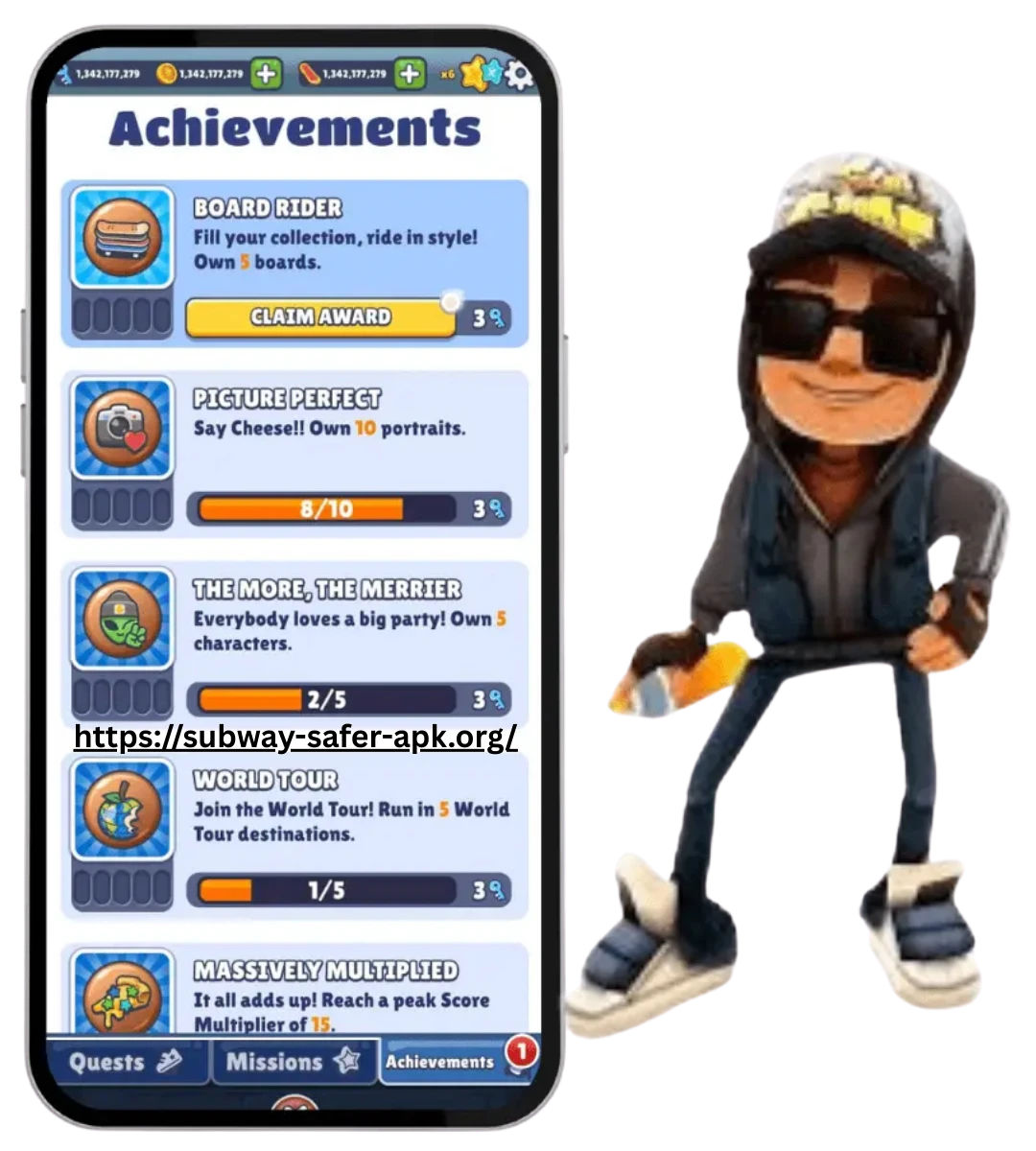
The classic and original versions of Subway Surfers refer to the earlier builds of the game, before many of the modern World Tour, event, outfit, and collection systems had been introduced. The earliest releases focused more heavily on the core endless-running experience, with a smaller selection of characters, Boards, missions, and rewards than players may see in newer versions.
As the game developed, regular updates gradually introduced new features and expanded the existing systems. The introduction of the World Tour in 2013 was an especially important milestone because it established the rotating location format that became a major part of Subway Surfers.
Old versions can therefore feel very different from the current game. Menus, characters, Boards, missions, graphics, progression systems, and available content may all vary depending on the release. An “original Subway Surfers” experience is also different from simply playing an older version from a few years ago, because the game has gone through many stages of development.
Players researching classic versions should also check the specific version number and release period rather than relying only on labels such as “old,” “classic,” or “original.” Third-party archives may contain historical builds, but an archived version is not necessarily officially supported or compatible with every modern device.
Updating Safely Without Losing Progress

Keeping Subway Surfers updated is generally straightforward, but players should take a few precautions before changing versions or moving the game to another device. Progress can be important because it may include characters, Hoverboards, Coins, Keys, outfits, achievements, and other collected content.
- Use the official app store: Update through Google Play or the App Store when possible rather than installing an unknown package.
- Check your account connection: Make sure the game is connected to the supported account or sign in method you normally use for progress.
- Confirm your current progress: Before updating, open the game and make sure your latest progress is visible.
- Avoid uninstalling unnecessarily: Removing the app before confirming that your progress is backed up or synchronized can create avoidable problems.
- Use a stable internet connection: A reliable connection can help the update and any associated synchronization complete properly.
- Keep enough storage available: Updates may require additional temporary storage during installation.
- Restart and verify: After updating, open the game and check that your characters, Boards, currency, and other important progress are still present.
- Do not mix versions casually: Moving between old and current builds can create compatibility or synchronization issues, so avoid repeatedly switching versions.
- Check official support if progress disappears: If something looks wrong after an update, use the official Subway Surfers support resources rather than immediately reinstalling or deleting game data.
Updating the game itself should not be treated as the same thing as starting a new game. However, progress recovery can depend on the account, platform, version, and how the game data was stored or synchronized. Before making a major change, confirming that your progress is properly connected and accessible is a sensible precaution.
FAQ
Final Thoughts
Subway Surfers has evolved significantly through years of updates, moving from a relatively simple early endless runner into a much larger game with World Tour destinations, characters, hoverboards, outfits, missions, events, challenges, and seasonal content. This long version history explains why older builds can look and feel very different from the current release.
Old versions can be useful when researching the game’s history, comparing past features, or understanding how particular systems were introduced. However, players should remember that archived builds may have different compatibility requirements and may not be supported by current game services. For normal gameplay, keeping the game updated through an official store is generally the most straightforward approach.
For anyone interested in the original 2012 experience or a specific older World Tour era, checking the version number, release period, content changes, and compatibility requirements gives a much clearer picture of what that version actually offered.