
Subway Surfers Reviews, Safety, and Privacy
Subway Surfers is a popular mobile game, but parents and players may have questions beyond its gameplay. Reviews often focus on how easy the game is to play and how engaging it can be, while safety questions usually involve ads, in app purchases, online features, and privacy. The right way to judge the game is to look at these areas separately instead of simply calling it safe or unsafe.
For families, the main point is to understand what the game offers and what settings or limits may be useful. Privacy information can also change between platforms and app versions, so checking the current store listing and privacy information is a good habit before allowing a child to play. On Apple’s current listing, Subway Surfers is rated 9+ and includes advertising and in-app purchases.
How Subway Surfers Reviews Differ by Audience
| Audience | What They Usually Focus On | Common View |
|---|---|---|
| Kids | Easy controls, colorful characters, rewards, and how fun the game feels | Usually positive, although some may find it repetitive after a while. |
| Parents | Ads, in-app purchases, privacy, screen time, and age suitability | Often positive about the simple gameplay, but more cautious about spending and data practices. |
| Casual Players | Quick gameplay, simple controls, events, and rewards | Often like it because it is easy to start and does not require a long learning curve. |
| Long Term Players | Updates, characters, World Tour locations, progression, and replay value | More likely to notice repetition and changes in the game over time. |
| Privacy Conscious Users | Data collection, tracking, advertising, and account related information | More likely to check the current privacy details before playing. |
Reviews can look quite different depending on who is writing them. Common Sense Media describes Subway Surfers as a bright, entertaining endless runner with simple controls, while its parent reviews also mention concerns such as addictive gameplay, in-app purchases, and privacy.
That difference is useful to keep in mind. A child may mainly care about whether the game is fun, while a parent may be thinking about spending limits or privacy. The current App Store listing also shows that Subway Surfers includes advertising and in-app purchases and has a 9+ age rating, so these are reasonable things for parents to consider alongside gameplay.
Age Ratings and Content Concerns
| Area | What Parents and Players Should Know |
|---|---|
| Age Rating | The current iOS listing gives Subway Surfers a 9+ rating. |
| Violence | The game includes cartoon or fantasy violence. Players can hit trains or obstacles, but there is no blood or gore shown. |
| Advertising | The game contains advertising, so children may see ads while playing. |
| In App Purchases | Players can buy virtual items such as Coins and Keys with real money. |
| Online Interaction | The core game is single player, so players do not directly interact with other players during a normal run. |
| Privacy | Privacy practices can involve data collection and tracking, and the details can vary by platform, features, or age. |
| Other Mature Content | Common Sense Media reports no notable drinking, drugs, smoking, sexual content, nudity, or language in its review. |
Ads, In App Purchases, and Spending Controls
- Advertising: Subway Surfers is a free to play game that includes advertising. The current App Store listing also shows in app purchases, so players may see ads and purchase options while using the game.
- In-app purchases: Players can buy virtual items such as Coins and Keys with real money. The available packs and prices can vary by country and platform.
- No need to spend money: Purchases are optional. Players can still play the core game without buying Coins or Keys, although purchases can provide additional resources or items.
- Parental controls: Parents should use the device’s built-in purchase and parental control settings if a child plays the game. This can help prevent accidental purchases or require approval before a purchase is completed.
- Check purchase settings: It is worth checking the payment method, purchase authentication, and spending restrictions on the child’s device rather than relying only on the game itself.
- Talk about in-game spending: For younger players, a simple rule such as “ask before buying” can prevent unexpected charges and also helps children understand that virtual items can cost real money.
The main concern is usually not that Subway Surfers requires spending, but that free gameplay and optional purchases exist side by side. Common Sense Media also notes that Coins can be earned through gameplay or bought with real money. For parents, the safest approach is to keep purchase controls enabled and make sure the child understands when an in game item involves real money.
Privacy, Data Collection, and Account Settings
- Data collection: SYBO says it may collect information such as age, device information, usage data, purchase information, location information, and data provided through support or social features.
- Advertising and tracking: The current iOS App Store privacy label says Subway Surfers may use purchases, location, user content, identifiers, usage data, and diagnostics for tracking and other purposes. Apple also notes that these privacy details are provided by the developer and have not been verified by Apple.
- Location controls: SYBO says location based services can be controlled through the settings of the mobile device.
- Display names: Some SYBO services allow players to create an optional Display Name. It can be visible to other players through features such as leaderboards and friend lists.
- Children’s privacy: SYBO says it uses an age-gate and applies additional protections to younger users. It states that users below the applicable age of consent are not served behavioural advertising and may receive a generated username.
- Review privacy information regularly: SYBO’s Privacy Policy was updated on August 11, 2026, and the company says its policy can change over time. Checking the current policy is therefore better than relying on an old privacy guide.
- Platform matters: Privacy practices can differ depending on the platform, features, and age of the player. Apple’s current Subway Surfers listing specifically notes that privacy practices may vary in these situations.
Parent and Player Review Themes
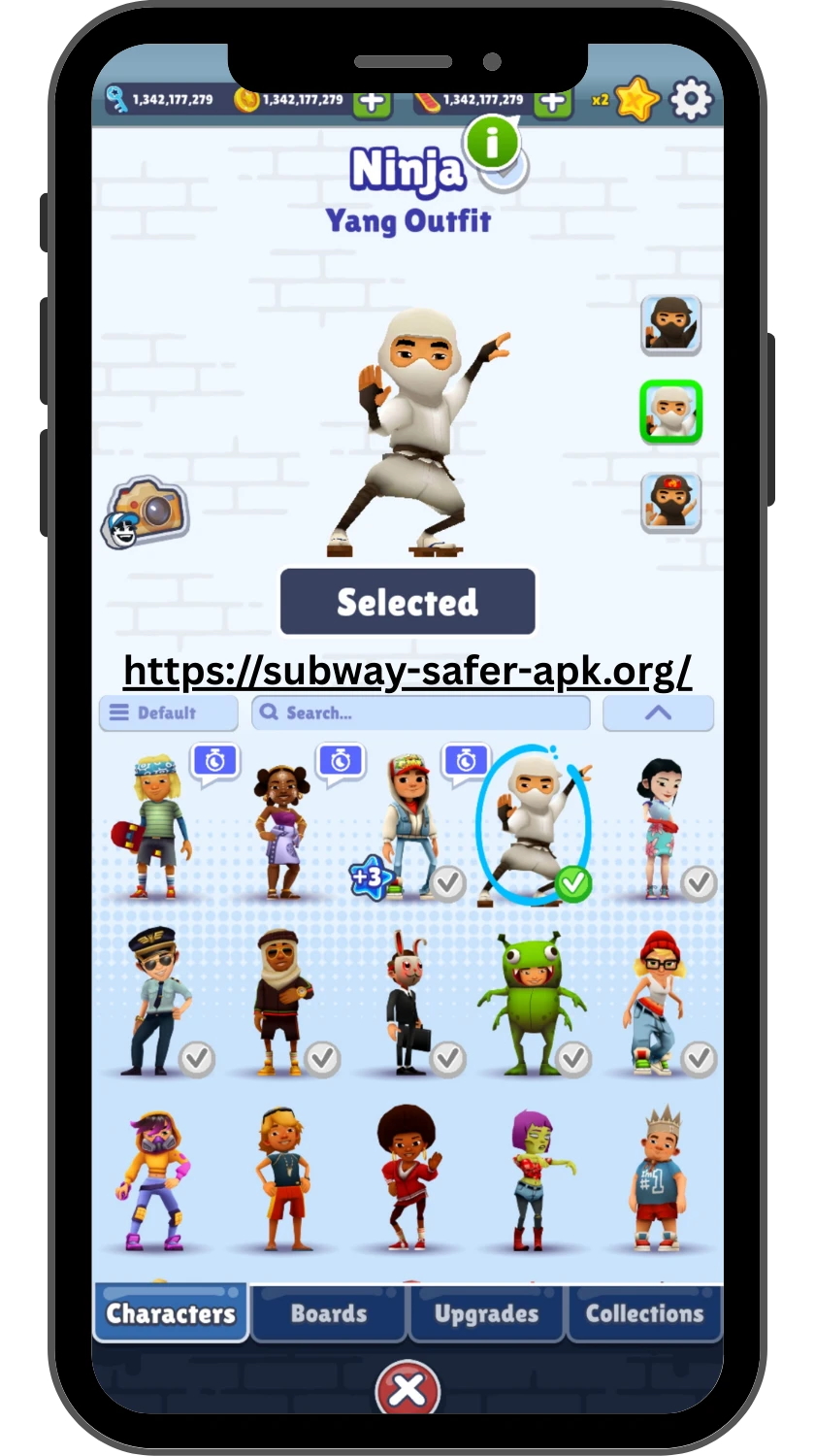
- Fun and easy to play: Many players like Subway Surfers because the controls are simple, the visuals are colorful, and a run can start without much learning. Common Sense Media describes the game as entertaining and easy to play.
- Replay value: The endless runner format makes it easy to play again and try for a higher score, better run, or new rewards.
- Repetition: Some players feel the game can become repetitive over time, especially when they have played it for a long period. This comes up in player reviews as a common criticism.
- Addictive gameplay: Some parents describe the game as highly engaging or difficult for children to put down. This is one of the recurring themes in parent feedback.
- Spending concerns: Parents may be comfortable with the basic free gameplay but still want to keep an eye on in app purchases and accidental spending.
- Privacy concerns: Some parent reviews raise questions about data collection and privacy, making this an area worth checking alongside gameplay.
- Generally mild content: Common Sense Media notes that collisions with trains and obstacles do not show blood or gore, and its review does not identify notable drug, smoking, sexual, or language content.
Overall, the reviews show why different people can have very different opinions about the same game. A child may focus on the colorful characters and fun runs, while a parent may be more concerned about screen time, spending, or privacy. Looking at both sides gives a more useful picture than relying on a single star rating.
FAQ
Final Thoughts
Subway Surfers is generally easy to understand and simple to start, but parents should look beyond the gameplay when deciding whether it is suitable for a child. The main points to consider are the game’s age rating, advertising, in app purchases, screen time, and privacy practices. These factors can also vary by platform and may change as the game is updated.
The best approach is not to label the game simply as “safe” or “unsafe.” Instead, parents can check the current store rating and privacy information, use device level purchase controls, and decide whether the game’s features fit their child’s age and habits.