
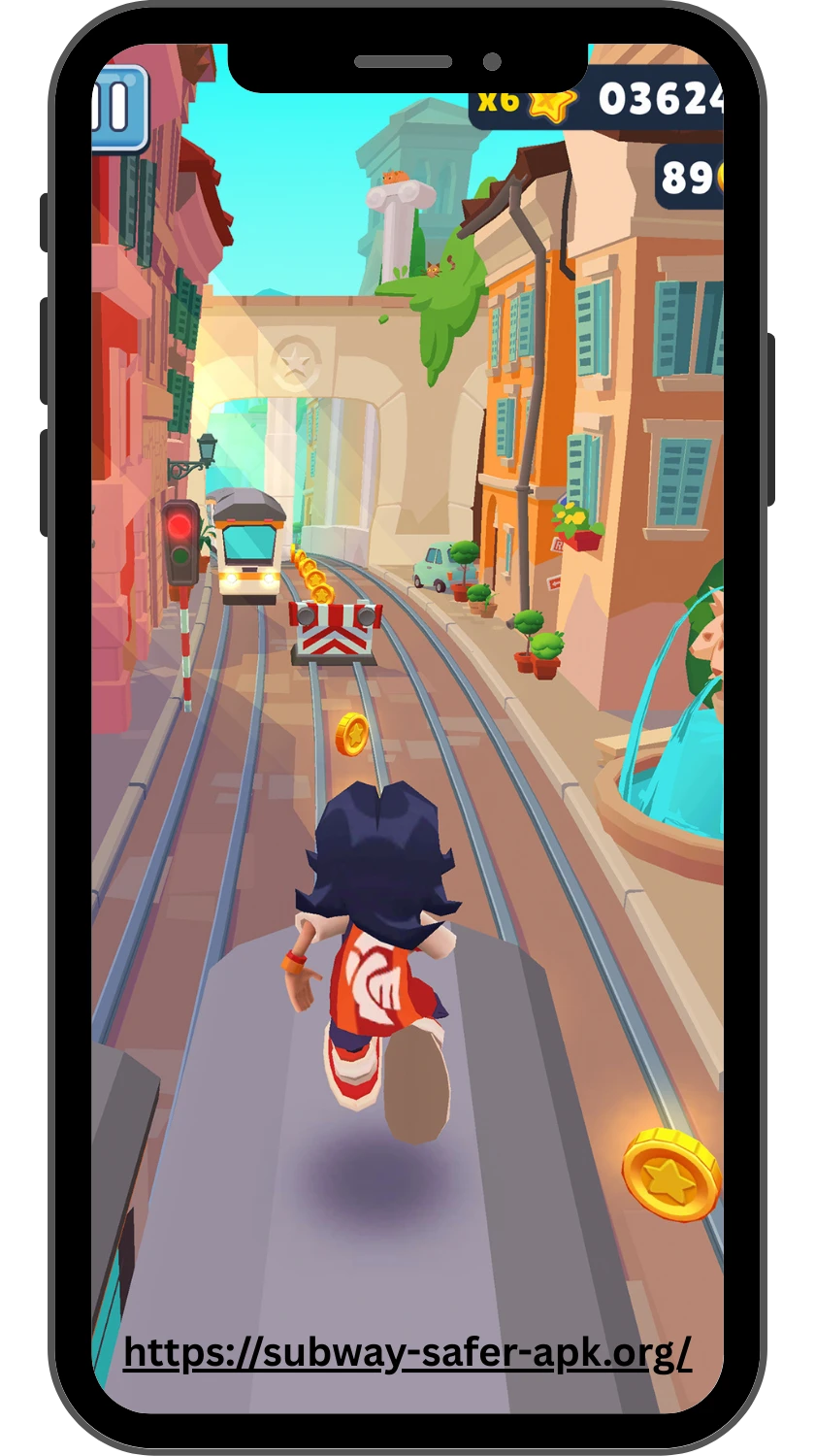
Download Subway Surfers
You can download Subway Surfers directly from the official app store on most supported devices. Android users can get it through Google Play, while iPhone and iPad users can use the Apple App Store. This gives you the standard game and keeps installation and updates within the platform’s normal system.
Before you download Subway Surfers, check your device compatibility and available storage. It is also worth confirming the developer information before installing, especially if several similarly named apps appear in search results. Third-party APK and modified versions may look convenient, but they are not the same as getting the game through an official store.
This guide covers the main download options, device compatibility, installation steps, APK and IPA files, common download problems, and questions about storage, regions, older versions, and genuine store listings.
Official Subway Surfers Download Options
The official app store for your device is the most straightforward place to download Subway Surfers. It provides a recognised distribution channel and handles normal installation and update processes.
| Platform | Official Download Option | Device |
|---|---|---|
| Android | Google Play | Android phones and tablets |
| iPhone and iPad | Apple App Store | iPhone and iPad |
| Chromebook | Google Play where the Android app is supported | Compatible Chromebooks |
The Google Play listing identifies SYBO Games as the developer of Subway Surfers. The Apple App Store provides the iPhone and iPad listing. When choosing a download, compare the developer information and app identity instead of selecting a similarly named result from an unfamiliar source.
If your device supports the official store version, there is usually little reason to replace it with an unofficial package. An official listing also gives you a clearer path for future updates and app management.
Android, iPhone, and Tablet Compatibility

| Device | Availability | Download Source |
|---|---|---|
| Android phone | Supported | Google Play |
| Android tablet | Supported | Google Play |
| iPhone | Supported | Apple App Store |
| iPad | Supported | Apple App Store |
| Chromebook | Supported where the Android app is compatible | Google Play |
Subway Surfers is available across several common mobile device categories, but compatibility can depend on the specific device and operating system. Google Play currently lists the game for compatible phones, tablets, and Chromebooks, while the App Store lists it for iPhone and iPad.
If the store shows that your device is incompatible, check the current requirements shown on the listing rather than relying on an old requirement from a third-party website. Store availability can also vary by region.
App Store and Google Play Installation Steps
Installing Subway Surfers is usually a simple process when you use the official store for your device.
- Android: Open Google Play and search for “Subway Surfers.” Check that SYBO Games is shown as the developer, then select Install.
- iPhone or iPad: Open the App Store and search for “Subway Surfers.” Verify the official listing, then select Get and complete the installation if prompted.
- After installation: Open the game from your device and allow any initial files or updates to finish before playing.
- If installation fails: Check your internet connection, available storage, device compatibility, and the status of the relevant app store.
Using an official store also makes it easier to manage future updates. If the game asks for an update later, you can normally handle it through the same store rather than finding a new download file elsewhere.
Official Packages vs APK and IPA Files
APK is the standard Android application package format, while IPA is associated with iPhone and iPad apps. The file type itself does not tell you whether a download is trustworthy. The source, authenticity, and way the package is distributed are more important.
| Option | Used For | Main Advantage | Main Consideration |
|---|---|---|---|
| Google Play installation | Android | Official distribution and updates | Requires a compatible device |
| App Store installation | iPhone and iPad | Official iOS and iPadOS distribution | Requires a compatible Apple device |
| APK file | Android | Can be distributed outside Google Play | Source needs careful verification |
| IPA file | iPhone and iPad | Can be used for specific alternative distribution methods | Installation is more restricted |
| Modified APK or IPA | Android or Apple devices | May claim extra features | Can contain unofficial changes or unwanted software |
For most players, an APK or IPA is unnecessary when the official store version is available. Third-party packages may be relevant in specific technical situations, but they require more attention to the source and package itself.
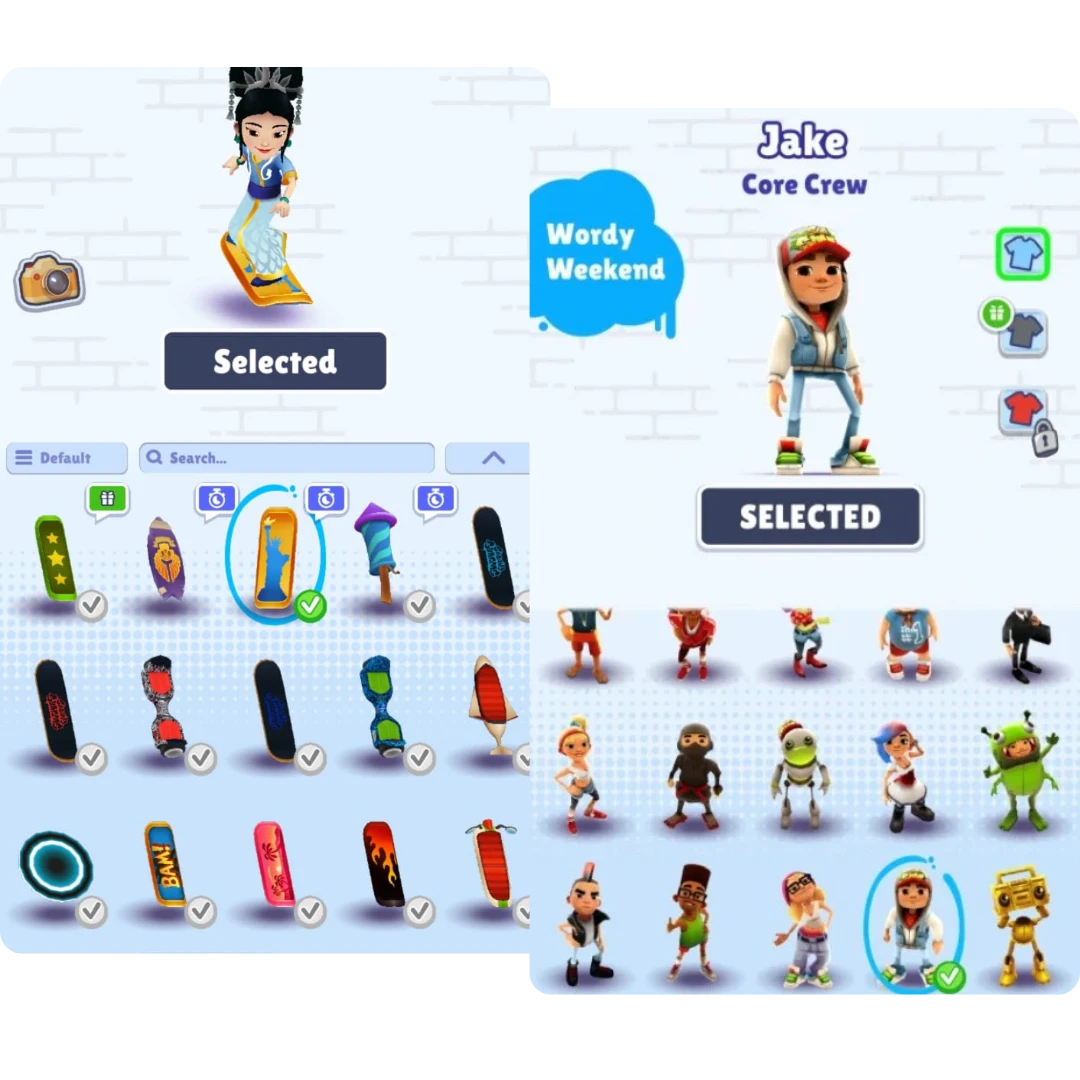
Be especially careful with modified versions that promise unlimited coins, unlocked characters, or other changes. Those claims do not make a package official, and installing unknown software can create security and privacy problems.
Download and Update Troubleshooting
- The download will not start: Check your internet connection and make sure there is enough free storage. Then reopen the app store and try again.
- The installation fails: Restart the device and check whether its operating system is supported. Low storage can also stop an installation.
- The game does not appear in the store: Confirm that you are using the correct store for your device and check whether the app is available in your region.
- An update will not install: Check free storage, connection stability, and operating system compatibility. Then try the update again.
- The update is stuck: If the store provides pause and resume controls, use them. Reopening the store can also clear a temporary download problem.
- The game crashes after an update: Restart the device first. If the problem continues, check whether another game or system update is available.
- The app is missing after installation: Search your device’s app list for Subway Surfers. If the installation was interrupted, it may not have completed.
- A third-party package will not install: Do not keep disabling security settings or adding unknown files. Use the official store version when possible.
If basic troubleshooting does not solve the problem, check the current store listing and device-specific support information. Replacing a failed installation with a random modified package is not a reliable fix.
FAQ
Final Thoughts
Downloading Subway Surfers does not need to be complicated. For most users, the clearest route is to use Google Play on Android or the Apple App Store on iPhone and iPad, then let the store handle installation and future updates.
Before installing, take a moment to confirm the developer, check device compatibility, and make sure you have enough storage. If you are considering an APK, IPA, or modified package, pay close attention to its source instead of choosing it only because it promises an older version or extra features.
If you prefer not to install an app, browser-based play can be another option where a legitimate platform provides it. Otherwise, the official store remains the simplest starting point. Which device are you planning to use for Subway Surfers?