

Subway Surfers Unblocked
Subway Surfers Unblocked gives you a browser-based way to play the endless runner when you want to start a game without installing the mobile app. The core gameplay remains familiar: guide your character across the tracks, switch lanes, jump over obstacles, roll under barriers, collect coins, and stay ahead of the Inspector. Browser versions can also provide keyboard controls and fullscreen play, depending on the platform hosting the game.
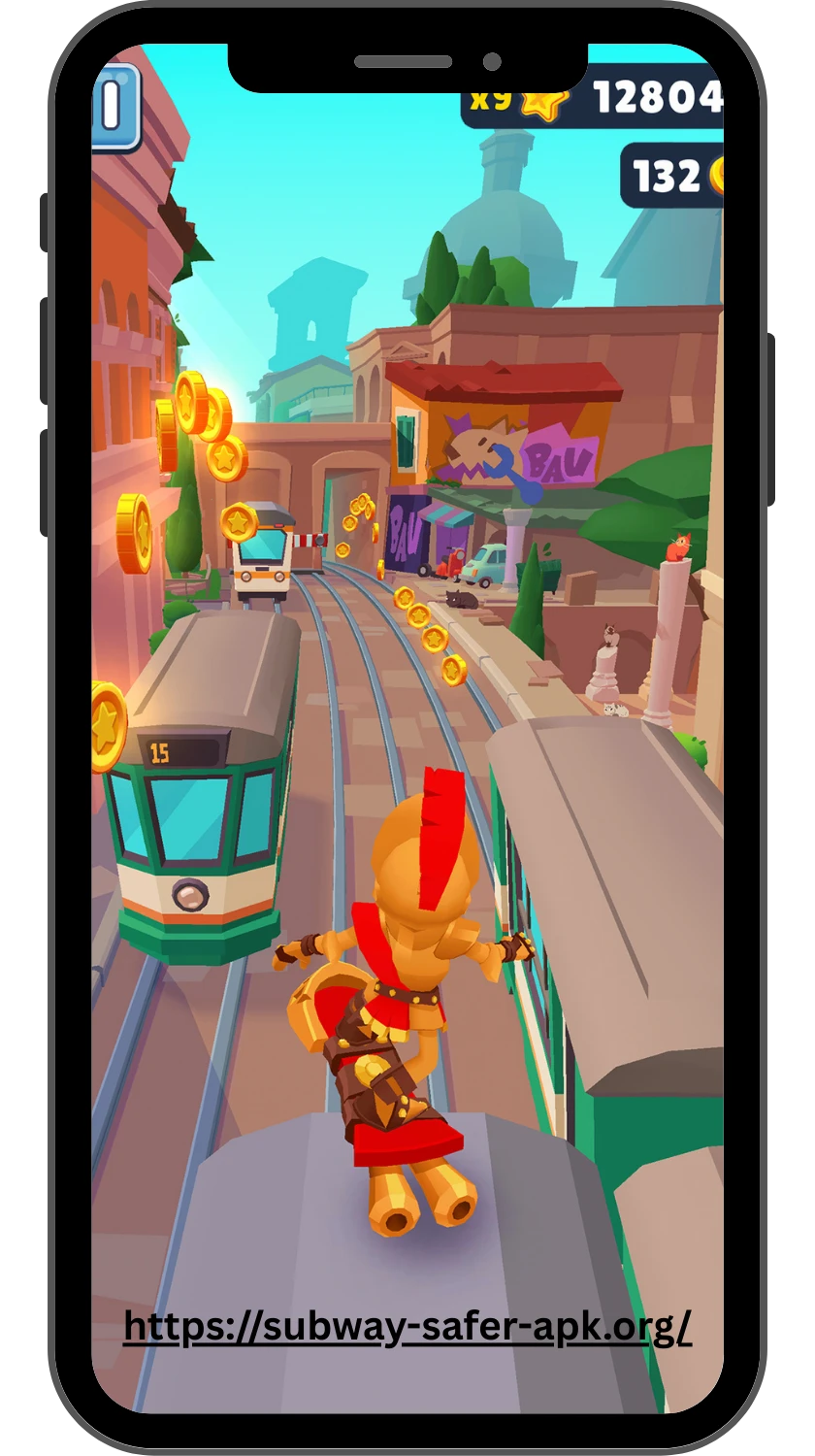
This guide explains what “unblocked” means, where browser play fits compared with the official mobile version, how to use the controls, and what to know about safety, saved progress, and common access problems. The aim is simple: help you understand the browser experience before you start playing.
What Subway Surfers Unblocked Means
“Subway Surfers Unblocked” usually refers to a browser-accessible version of the game that can be played from a web page without installing the mobile app. The word “unblocked” is mainly used to describe access rather than a separate official version of Subway Surfers. Depending on the website, the game may run directly in the browser with keyboard controls on a computer or touch controls on a mobile device.
This term is often used by players looking for a quick way to play on devices where access to certain gaming sites may be restricted. However, “unblocked” does not automatically mean that every website offering the game is official or safe. Check the host, avoid unexpected downloads, and do not disable security protections just to access a browser game.
School and Workplace Access Restrictions
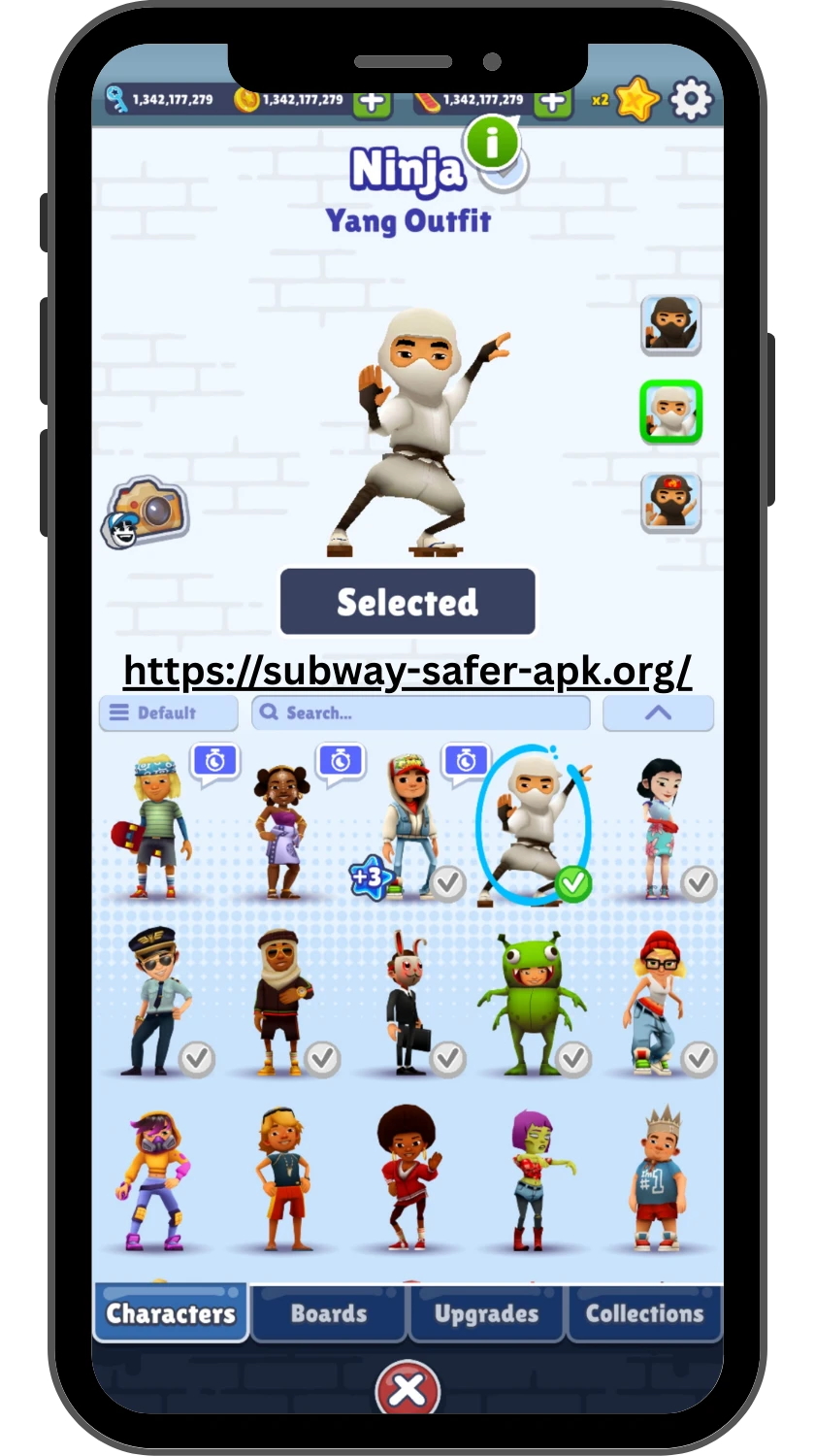
Schools and workplaces may restrict access to gaming websites through network filters, device policies, or browser controls. These restrictions are usually managed by the organisation rather than by Subway Surfers itself, so an “unblocked” label on a website does not guarantee that the game will be accessible on every school or workplace network.
If a game page is blocked, do not try to bypass an organisation’s security or network policies. Instead, use the game on a personal device or network where gaming access is permitted. This also helps avoid installing unfamiliar extensions, proxy tools, or files that claim to make the game accessible. If you are using a managed device, the appropriate option is to follow the rules set by the school or workplace.
Legitimate Ways to Play on Managed Devices
If you are using a school or workplace device, the legitimate options depend on the organisation’s rules and the access it provides. You should use only methods that the device owner or network administrator allows.
- Use an approved browser game platform if the organisation permits gaming websites.
- Ask the school’s or workplace’s IT administrator whether the game can be accessed for an approved purpose.
- Use a personal device when gaming is not permitted on the managed device.
- Switch to a personal network only when the device policy allows it.
- Use the official mobile app on your own device instead of trying to work around restrictions.
- If the organisation provides a designated recreation or gaming network, use that approved connection.
An “unblocked” website does not override a school’s or workplace’s access policy. Avoid VPNs, proxies, browser extensions, unofficial installers, or other workarounds when they are prohibited by the device or network administrator. The safest approach is to use an approved device, browser, and connection rather than trying to defeat a restriction.
How to Evaluate an Unblocked Game Site

Before playing Subway Surfers on an unblocked game site, check the page and the site itself rather than relying only on the word “unblocked.”
- Check whether the site clearly identifies the game and its developer.
- Look for a direct browser game instead of an unexpected download.
- Check whether the page uses a normal HTTPS connection.
- Avoid sites that ask you to disable antivirus or browser security features.
- Be cautious if a page requires an unfamiliar extension, executable, or installer.
- Check whether the controls and game information are clearly explained.
- Look for obvious redirects, aggressive pop-ups, or misleading download buttons.
- Prefer established game platforms over unknown sites with little information about who operates them.
- Do not enter passwords, payment details, or other sensitive information just to access a browser game.
- If the page behaves suspiciously, close it rather than trying to force the game to load.
Chromebook Safety and Privacy Checks
Chromebooks are often used in schools and other managed environments, so it is important to check both the website and the device before playing a browser game. A game site should not require you to weaken ChromeOS security or install software that you do not recognise.
- Check that the game page uses a secure HTTPS connection.
- Do not install unfamiliar Chrome extensions just to launch the game.
- Never disable ChromeOS security features or browser protections to access a game.
- Avoid downloading APKs, executable files, or unknown installers from game sites.
- Do not enter your school account password or other private information on a game page.
- Check the website address carefully before clicking download or play buttons.
- Close the page if repeated redirects, suspicious pop-ups, or unexpected permission requests appear.
- Remember that a school-managed Chromebook may have restrictions that you should not attempt to bypass.
- If you are unsure about a site’s safety, use an approved platform or ask the device administrator.
A browser game should not need access to your private accounts, files, camera, microphone, or unrelated browser data simply to run. Keeping those permissions restricted reduces unnecessary privacy risks while you play.
FAQ
Final Thoughts
Subway Surfers Unblocked can be a convenient way to play the game in a browser, but the word “unblocked” should not be treated as a guarantee of safety, legality, or access on every device. What you can access depends on the website, browser, device, and network policies in place.
If you are using a school or workplace device, follow its rules rather than trying to bypass restrictions. For personal devices, choose a reputable browser platform, avoid unexpected downloads, and be careful with sites that request unusual permissions or security changes. If you care about current features and long-term progress, the official version remains the more dependable choice.
The goal is not simply to find a page that loads the game. It is to find a way to play that fits your device, follows the relevant rules, and does not put your privacy or security at unnecessary risk. Before you start your next run, have you checked where the game is hosted and what that site asks you to install or allow?